
Where to Download
Only from the official BallrBet listing on Google Play.
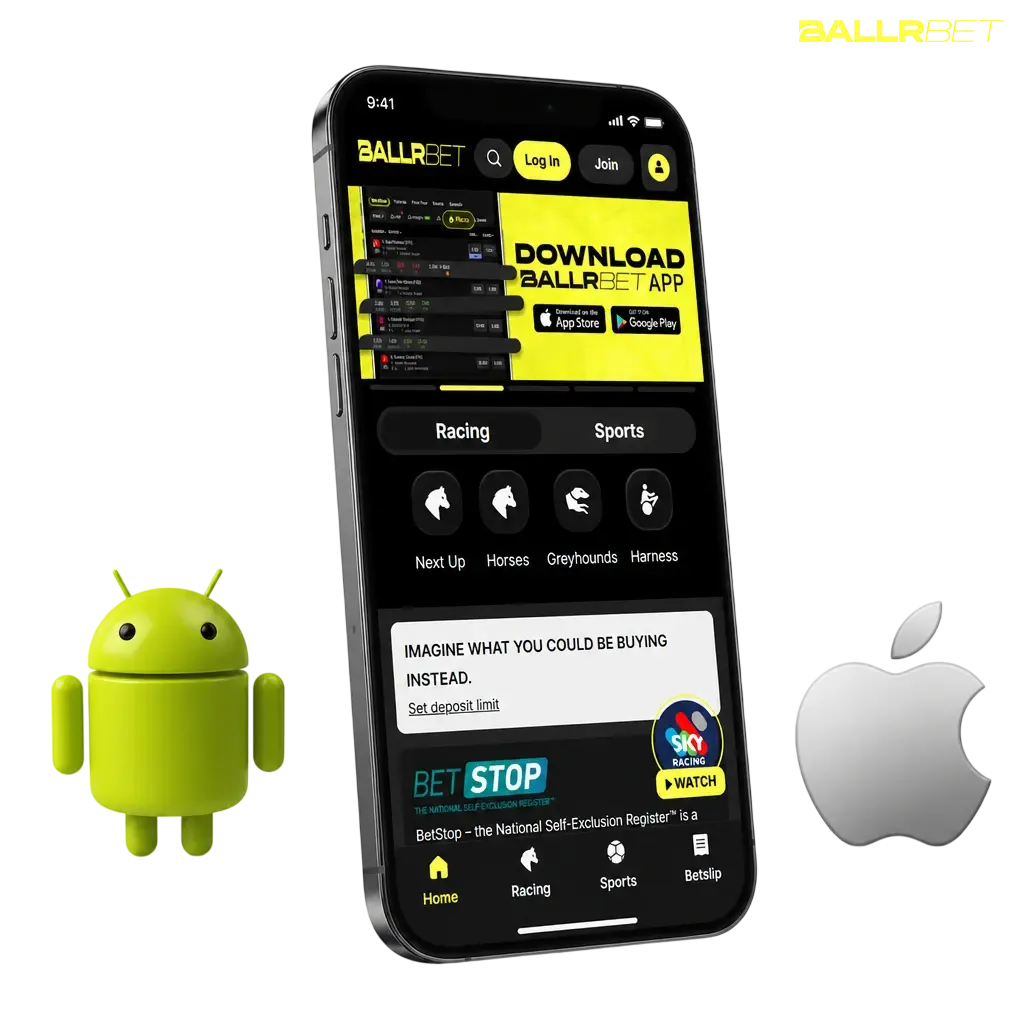
The BallrBet platform delivers sports betting straight to your mobile device. iPhone users can download the free BallrBet app from the App Store, and Android users can install the free app from Google Play. The app is for people located in Australia aged 18 or over and covers sports and racing in 2026.
| Developer: | Ballr Pty Ltd |
| Size: | 83 MB (iOS) |
| Price: | Free |
| Age Rating: | +18 |
| Languages: | English |
| Version: | 42.0.0 (App Store) |
| Platforms: | Android, iOS |
| Download Methods: | App Store, Google Play |
The screenshots below show the BallrBet app interface on mobile.
The table below covers the key details, registration status and betting coverage you need before installing the app.
| Operator | Ballr Pty Ltd (ABN 25 686 584 725) |
| Package Name | com.betmakers.ballrbet |
| License | Registered corporate bookmaker, VGCCC (Victoria) |
| Price | Free |
| Category | Sports Betting |
| Regional Availability | Australia only (18+) |
| Supported Currencies | AUD |
| Sports Covered | Australian Rules, Rugby League, cricket, horse, greyhound and harness racing, football, tennis, basketball, Mixed Martial Arts and more (19 sports) |
| Betting Markets | Multi bets, same game multi, same race multi, racing futures |
| Mobile Access | Available in the app and on the website |
Follow these five steps to get the free BallrBet app from Google Play on your Android phone or tablet.

Click the Android download button below to go to the official BallrBet listing on Google Play.
If the link does not open the store automatically, open the Google Play app on your device and search for “BallrBet”.
Make sure you are on the official BallrBet listing (package com.betmakers.ballrbet) before you download.
Tap Install. The app is free to download. When it finishes, open it from your app list.
Create your account, complete photo ID and address verification, and open the sportsbook. You must be 18 or over and located in Australia.
The BallrBet app is available as a free download from Google Play. Check the points below before you install.
Only from the official BallrBet listing on Google Play.
The app is free to download.
Search for “BallrBet” in Google Play.
A stable mobile data or Wi-Fi connection is needed to download and use the app.
For people aged 18 or over who are located in Australia.
The free BallrBet app is available from the App Store for iPhone and iPad.
Tap the iOS download button below to open the official listing, “BallrBet – Online Betting App” by Ballr Pty Ltd, in the App Store.
Confirm the developer is Ballr Pty Ltd. The app is free, about 83 MB, and requires iOS or iPadOS 16.4 or later.
Tap Get and confirm with Face ID, Touch ID or your Apple ID password if asked.
Wait for the download to finish; the BallrBet icon then appears with your other apps.
Open the app, create an account and complete photo ID and address verification before you deposit. You must be 18 or over and located in Australia.
Confirm these requirements from the App Store listing before downloading the app to your iPhone or iPad.
iOS 16.4 or later (iPadOS 16.4 or later on iPad).
The app is about 83 MB, so keep at least that much free space.
Not needed. The app is installed from the App Store and does not run through a browser.
A stable 4G, 5G, or Wi-Fi connection.
iPhone and iPad models that support iOS or iPadOS 16.4.
| Platform | How to Update |
|---|---|
| Android | Open Google Play, search for BallrBet and tap Update, or turn on automatic updates for the app. |
| iOS | Open the App Store, find BallrBet and tap Update, or turn on automatic app updates. The current App Store version is 42.0.0. |
The mobile website opens directly in your phone’s browser, with no download required. It is a good option if you would rather not use storage space on an app.
| Feature | App | Mobile Website |
|---|---|---|
| Store Listing | App Store, Google Play | None |
| Live Chat Support | ✔ | ✔ |
| Storage Required | About 83 MB (iOS) | None |
| Download Needed | ✔ | ✘ |
Combine selections from a single race into one bet with a same race multi.
Watch races through the WATCH tab.
Combine markets from a single match into one bet.
BallrBet covers 19 sports plus horse, greyhound and harness racing. Australian Rules Football and Rugby League sit at the top of the betting menu, alongside cricket and horse racing.
Australian Rules markets are available in the app.
Rugby League is one of the 19 sports on the betting menu.
Cricket is available among the 19 sports covered.
Horse, greyhound and harness racing from Australia, New Zealand and overseas, with Quaddie, Daily Double and futures.
Football is available, with same game multi options.
Tennis is available among the 19 sports covered.
Mixed Martial Arts is available among the 19 sports covered.
Your first sports bet through BallrBet takes four steps.
BallrBet supports four payment options built for Australian banking habits.
There are no BallrBet fees. Deposits must come from an account in your name and are turned over once before withdrawal. Withdrawals can take up to 48 hours depending on the method and your bank. The minimum deposit is AUD 10, and the minimum withdrawal is AUD 20. All transactions are in AUD.
BallrBet support is Melbourne-based and available through the app and the website.
Yes. BallrBet is operated by Ballr Pty Ltd, a registered corporate bookmaker with the Victorian Gambling and Casino Control Commission (VGCCC), and is offered to customers located in Australia aged 18 or over. If you have a complaint, contact support@ballrbet.com first, then the VGCCC.
The iOS app is 83 MB, so keep at least that much free space on your iPhone or iPad. The Android app is a free download from Google Play, where the listing shows the size for your device.
Yes. Search for “BallrBet – Online Betting App” by Ballr Pty Ltd in the App Store. It is free and requires iOS or iPadOS 16.4 or later.
Withdrawals can take up to 48 hours depending on the method and your bank. The minimum withdrawal is AUD 20.
The minimum deposit is AUD 10 via PayID, Apple Pay, Google Pay and debit cards (Visa and Mastercard).
Updated: